Getting Started with LEARN-Hub
Accessing LEARN-Hub
Visit LEARN-Hub in your web browser. No installation required – it works on any device with internet access. From the landing page choose Get Recommendations to start the guided configurator or Browse Library to explore activities. You can use the app as a guest or sign in for the full experience.
You can switch the interface language (English / German) and toggle light/dark mode at any time using the controls in the top-right corner.
Guest vs Authenticated Access
| Feature | Guest | Teacher | Admin |
|---|---|---|---|
| Browse activities | ✓ | ✓ | ✓ |
| Create recommendations | ✓ | ✓ | ✓ |
| Save favorites | - | ✓ | ✓ |
| View history | - | ✓ | ✓ |
| Manage users | - | - | ✓ |
| Upload activities | - | - | ✓ |
Use Guest mode to explore without creating an account. Teachers can create an account to save favorites and maintain search history.
Creating an Account
- On the login page, open the Password Login tab and click Create account
- Enter your email address, first name, and last name, then click Register
- The system generates a secure password and emails it to you
- Check your email for your credentials
- Log in with your email and the password provided (or use Email Code Login)
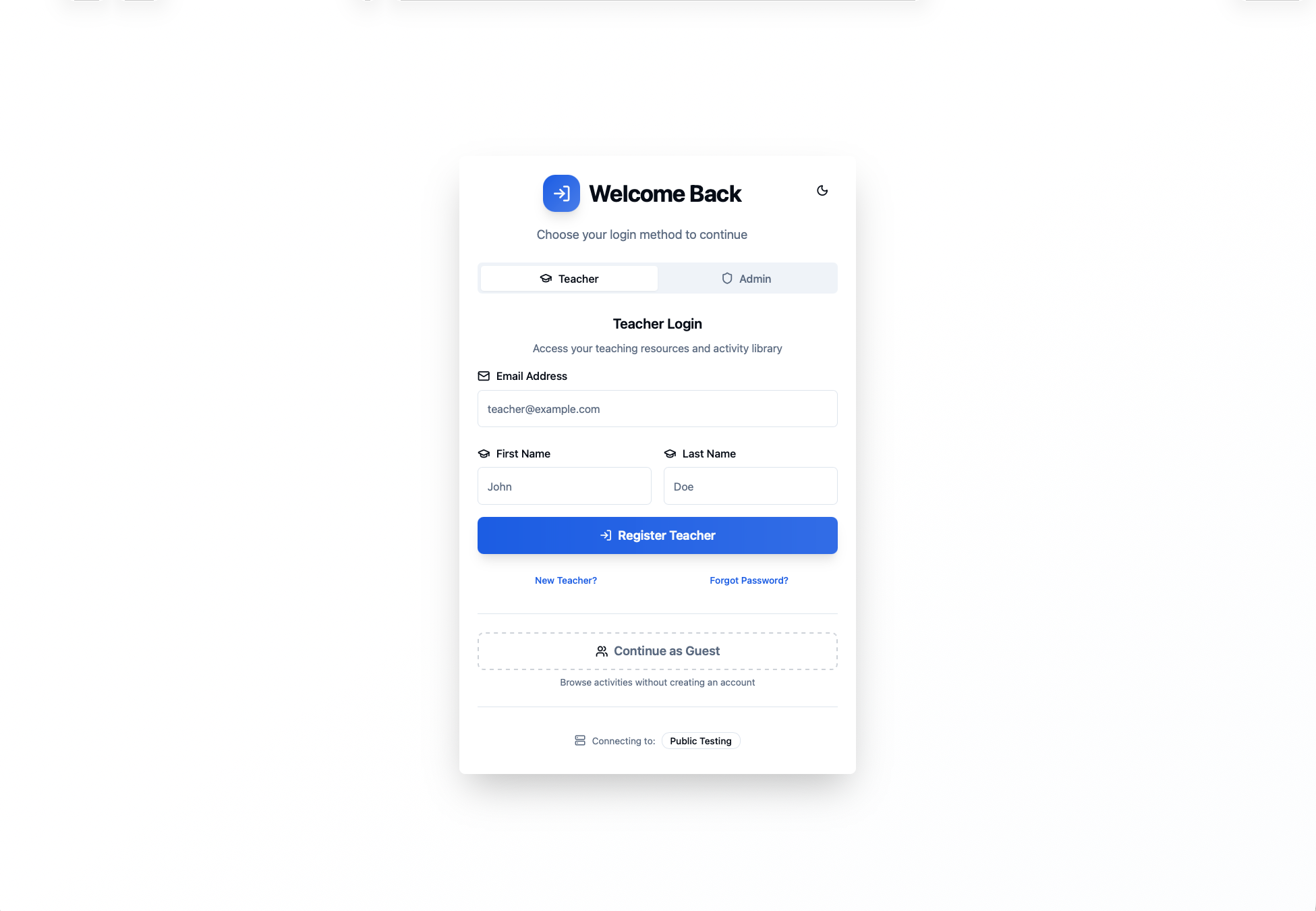
Registration page
Logging In
The login page offers two methods, selectable via the tabs at the top of the card. You can also choose Continue as Guest to skip signing in.
Option 1: Email Code Login
- Enter your email address
- Click Send Verification Code
- Check your email for a 6-digit code and enter it (valid for 10 minutes)
Option 2: Password Login
Switch to the Password Login tab and enter your email and password.
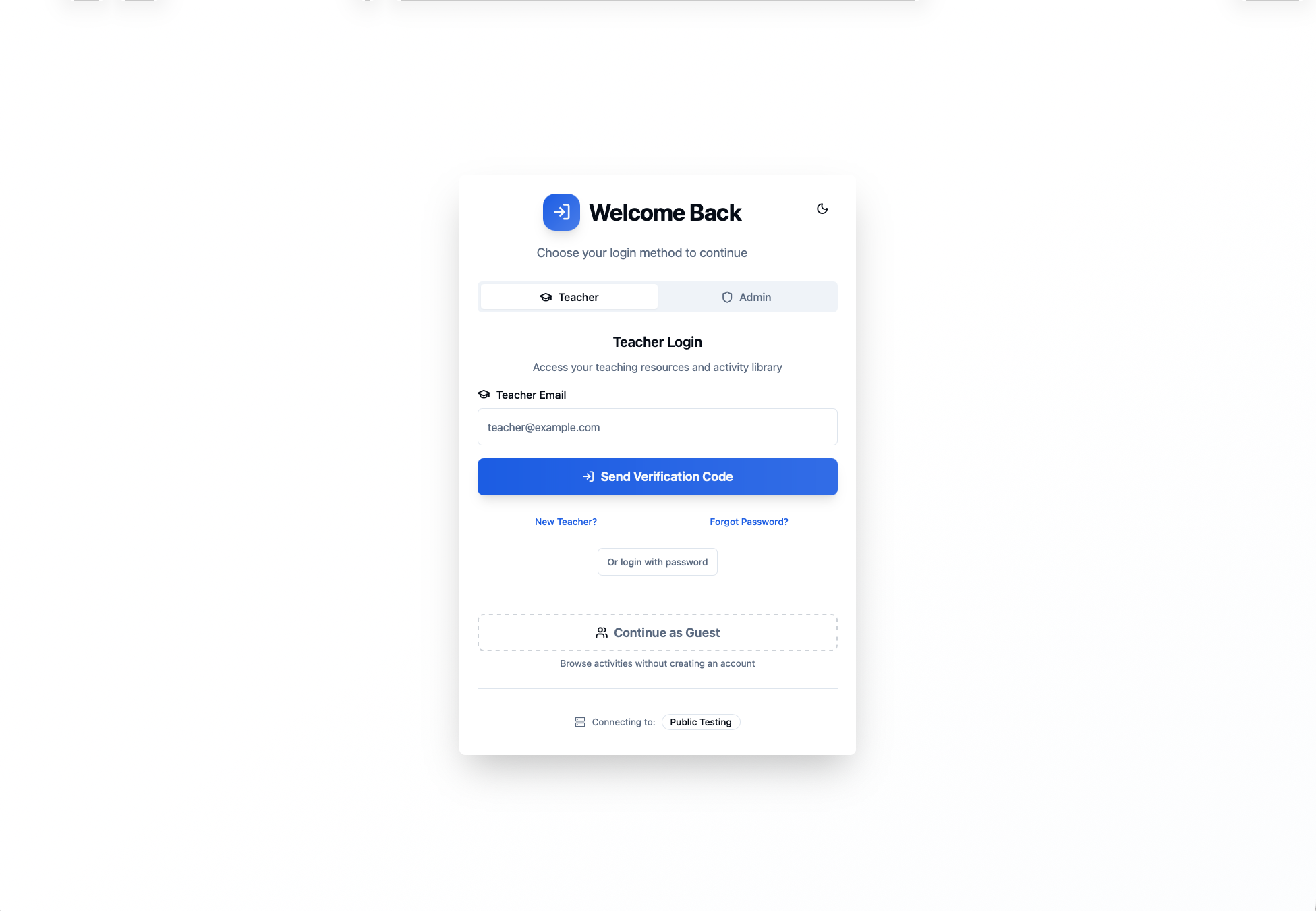
Login page with Email Code and Password tabs
Next Steps
- Browse the activity library to explore available activities
- Create recommendations for your upcoming lessons
- Edit your account settings once logged in