Account Management and Offline Materials
Account Dashboard
Access your account dashboard by clicking your profile icon in the top menu.
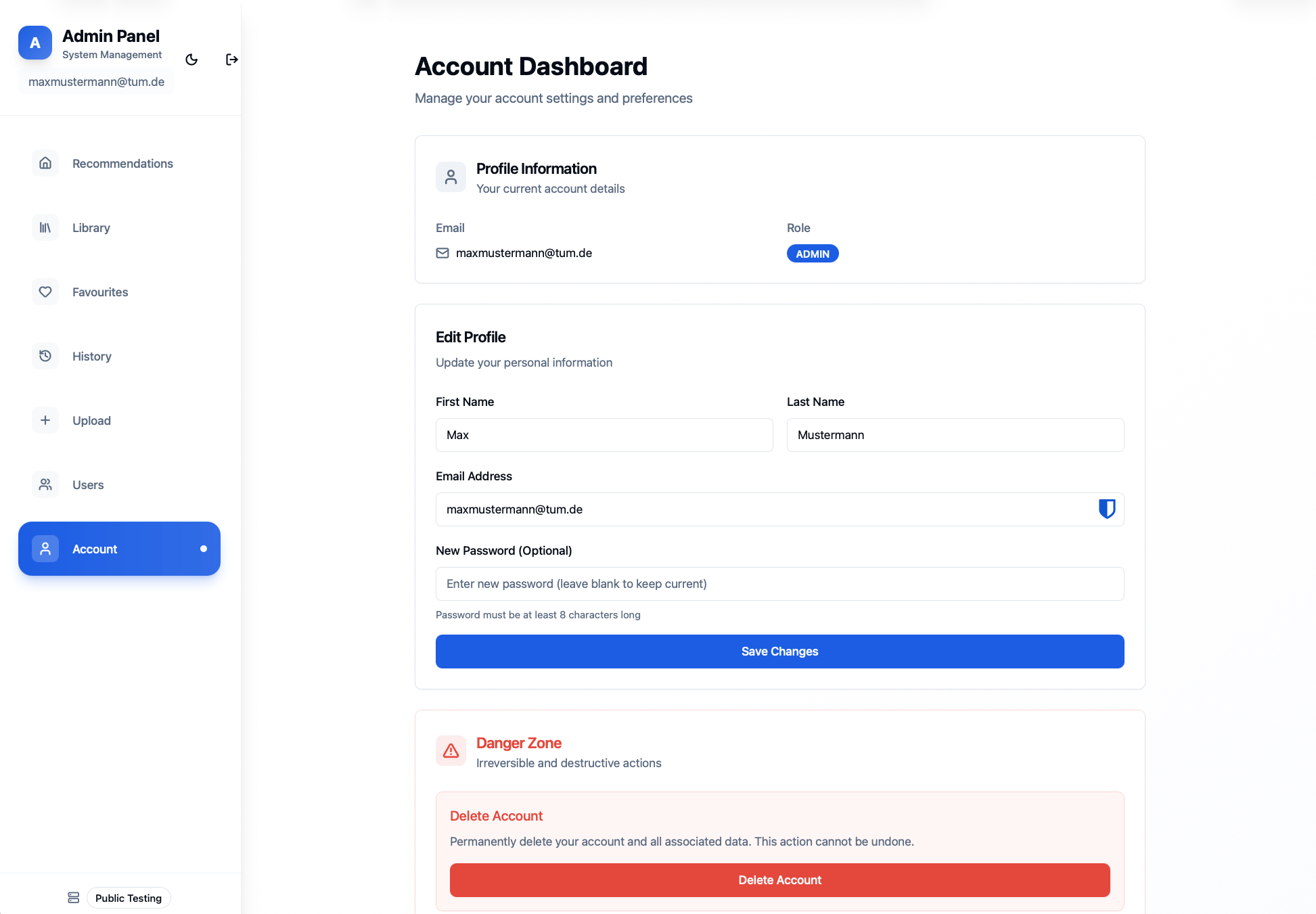
Account page
Update Profile
- Click Edit Profile
- Update your information:
- Email address
- First name
- Last name
- Password (leave blank to keep current password)
- Click Save Changes
Delete Account
To remove your account permanently:
- Scroll to Delete Account section
- Type Delete to confirm
- Click Delete
⚠️ Warning: Deleting your account removes all saved favorites and search history. This action cannot be undone.