Favorites and Search History
Save activities and recommendations for quick access later. Track your previous searches and re-run them anytime.
Saving Favorites
Add to Favorites
Click the heart icon on any activity or recommendation to save it. Requires login.
Save:
- Individual activities – Keep single activities for reference
- Lesson plans – Save complete recommendations with breaks and timing intact
View Favorites
Navigate to the Favorites page to see all saved items organized by type:
- Activities – Individual activities you've bookmarked
- Lesson Plans – Complete recommendations with breaks
Re-open any saved item with one click.
Remove from Favorites
Click the heart icon again to remove an item from favorites.
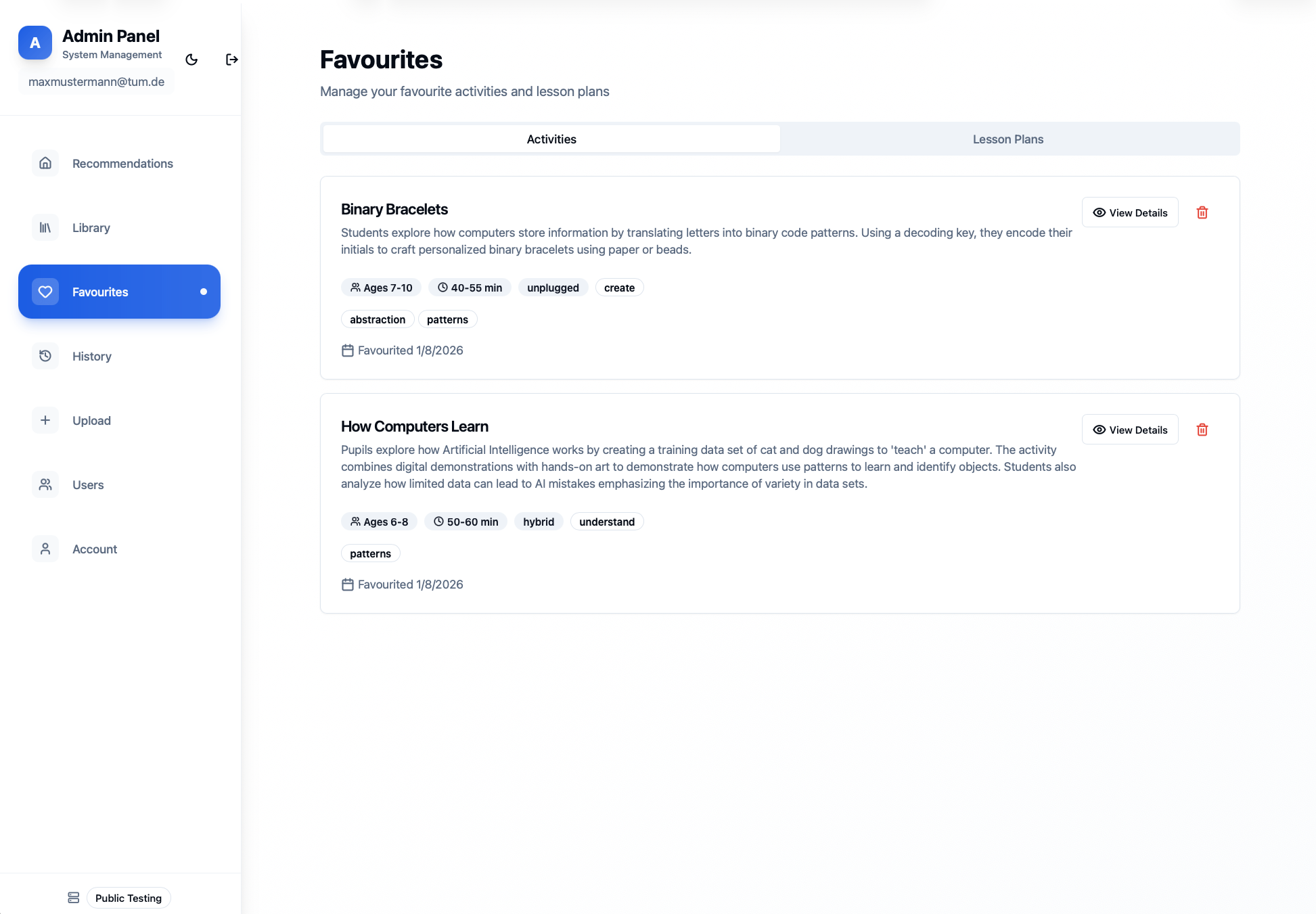
Favourites page
Search History
Keep track of your previous recommendation searches.
View History
Go to the History page to see your past searches. Each entry shows:
- Date – When you ran the search
- Criteria – Your settings (duration, grade, topics, etc.)
Re-run a Search
Click any history entry to re-run that exact search with the same criteria.
Delete History
Click Delete to remove individual entries from your history. Clear your entire history from account settings if desired.
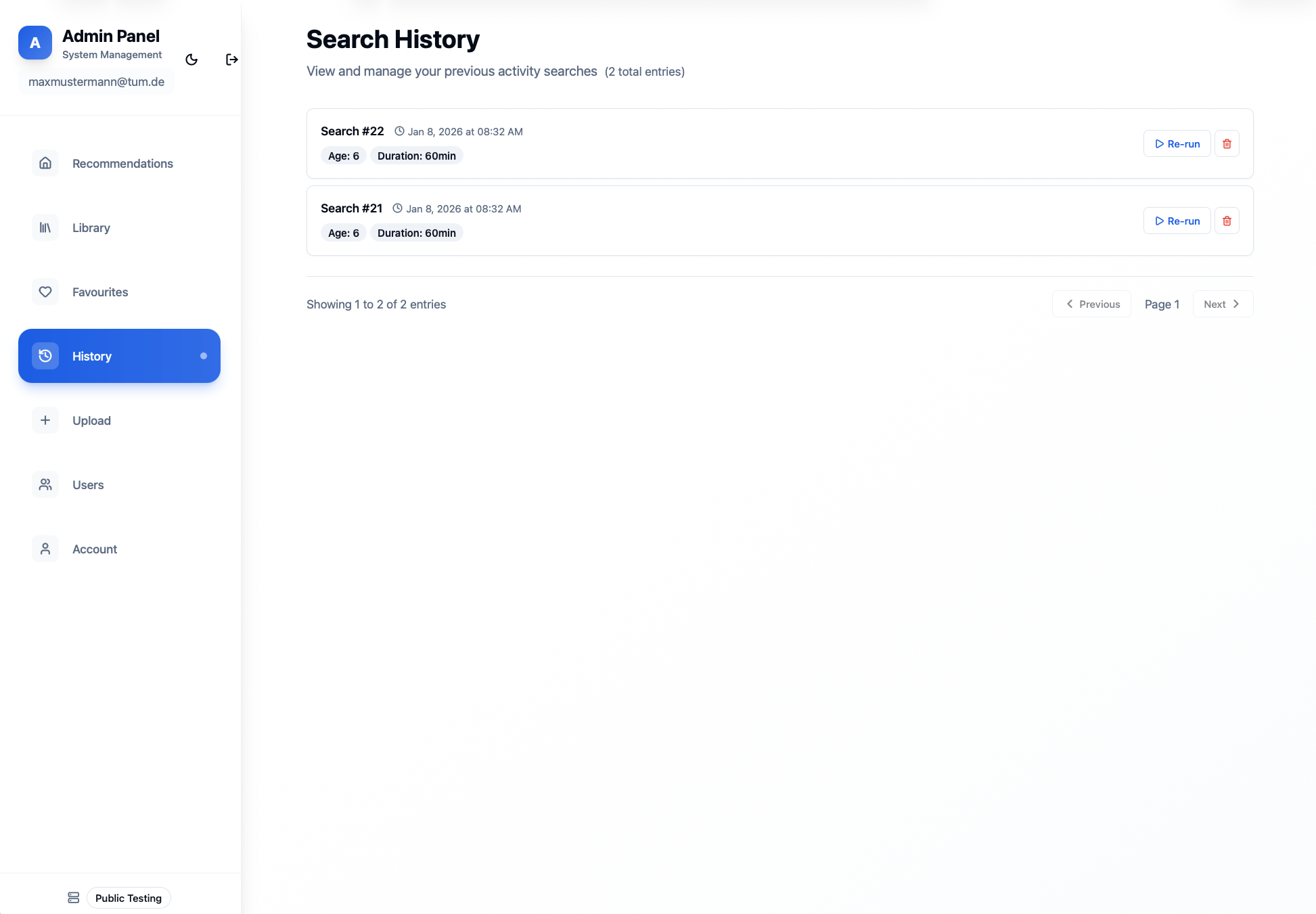
History page
💡 Note: Favorites and history are personal to your account. They're not visible to other users.