History
The History section in your Profile keeps a record of all previously generated recommendations.
It allows you to revisit, reuse, or manage your past searches at any time.
Steps for Using History
- Open the LEARNApp Profile tab in the navigation bar.
- Tap History to view your complete list of past recommendations.
- Browse the list of all previously generated recommendations.
- Tap an entry to reopen it - the app automatically reloads the input parameters and displays the corresponding results.
🗑️ To keep your list organized, you can delete unnecessary history entries at any time.
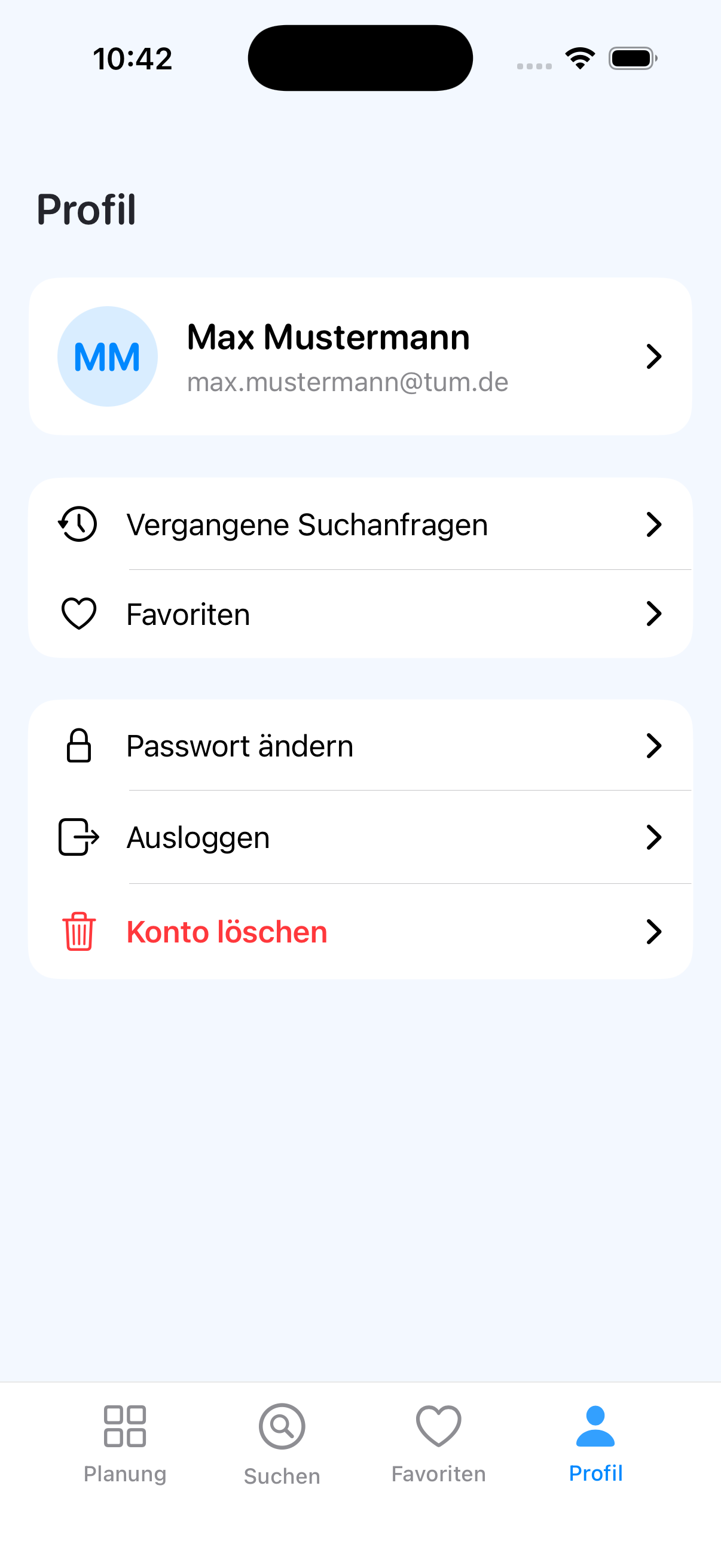
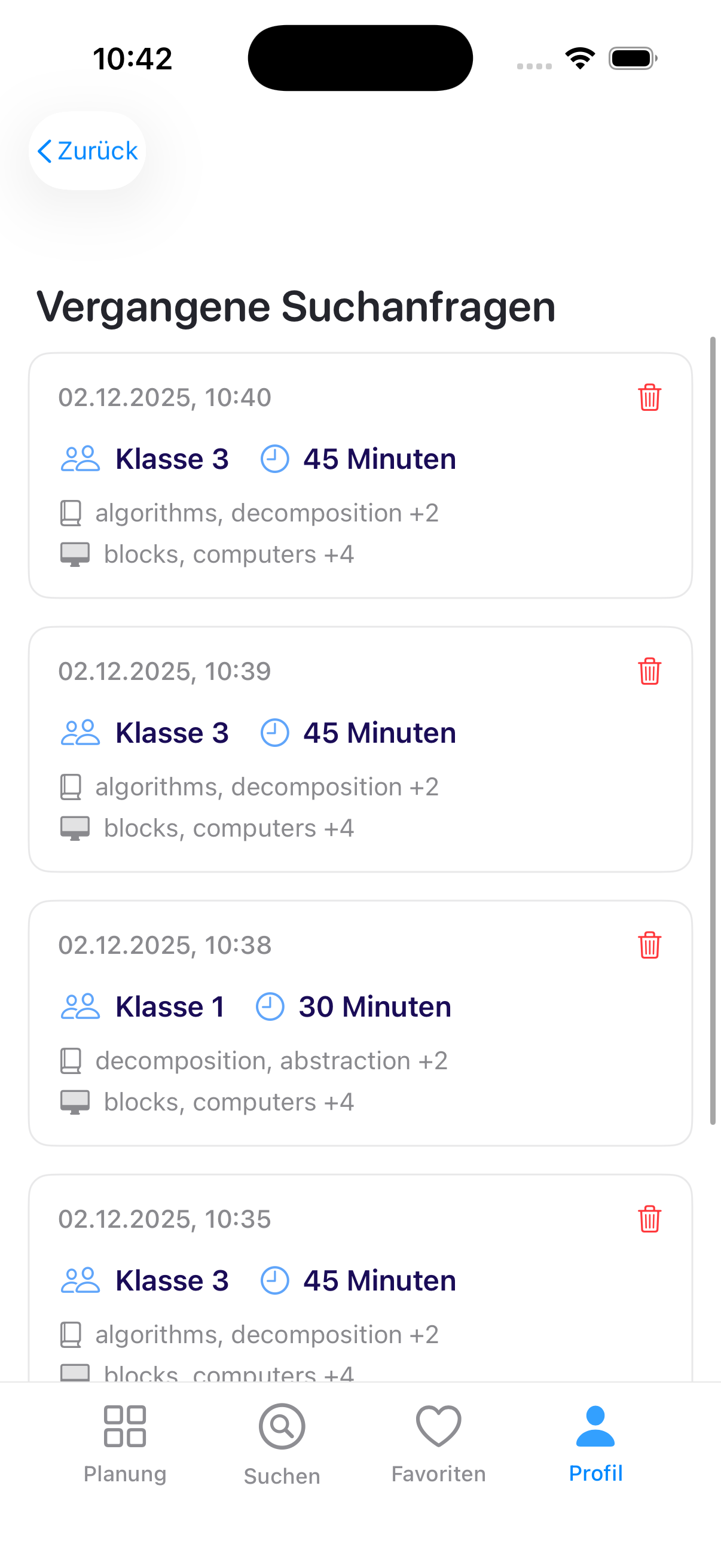
Open History from Profile Tab (left) to Manage the History Entries (right)