Account Management
An account is required only if you want to save favorites or access your recommendation history.
You can still browse, search, and generate activity recommendations without logging in.
Steps for Account Creation
- Tap Create Account button in the Onboarding page, Favorites tab or Profile tab in the navigation bar.
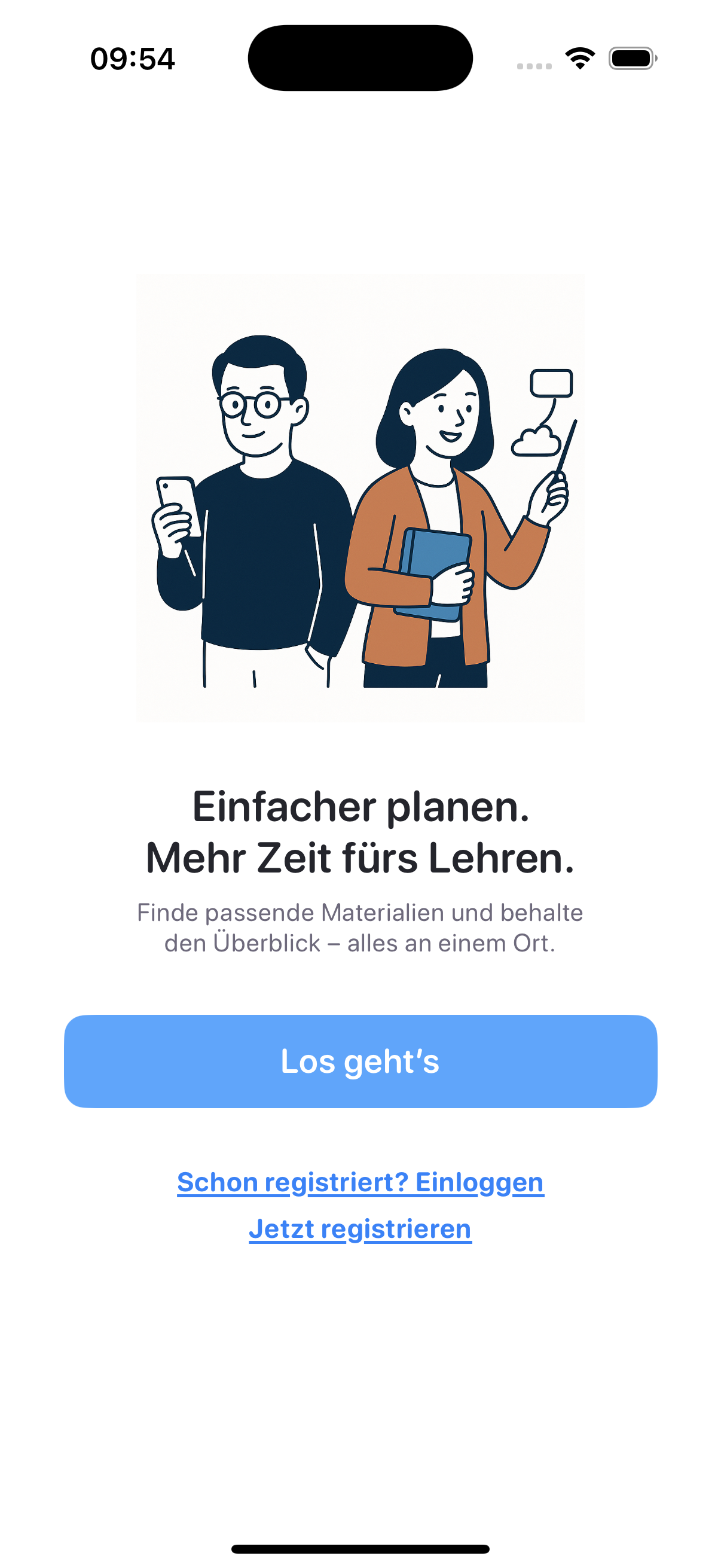
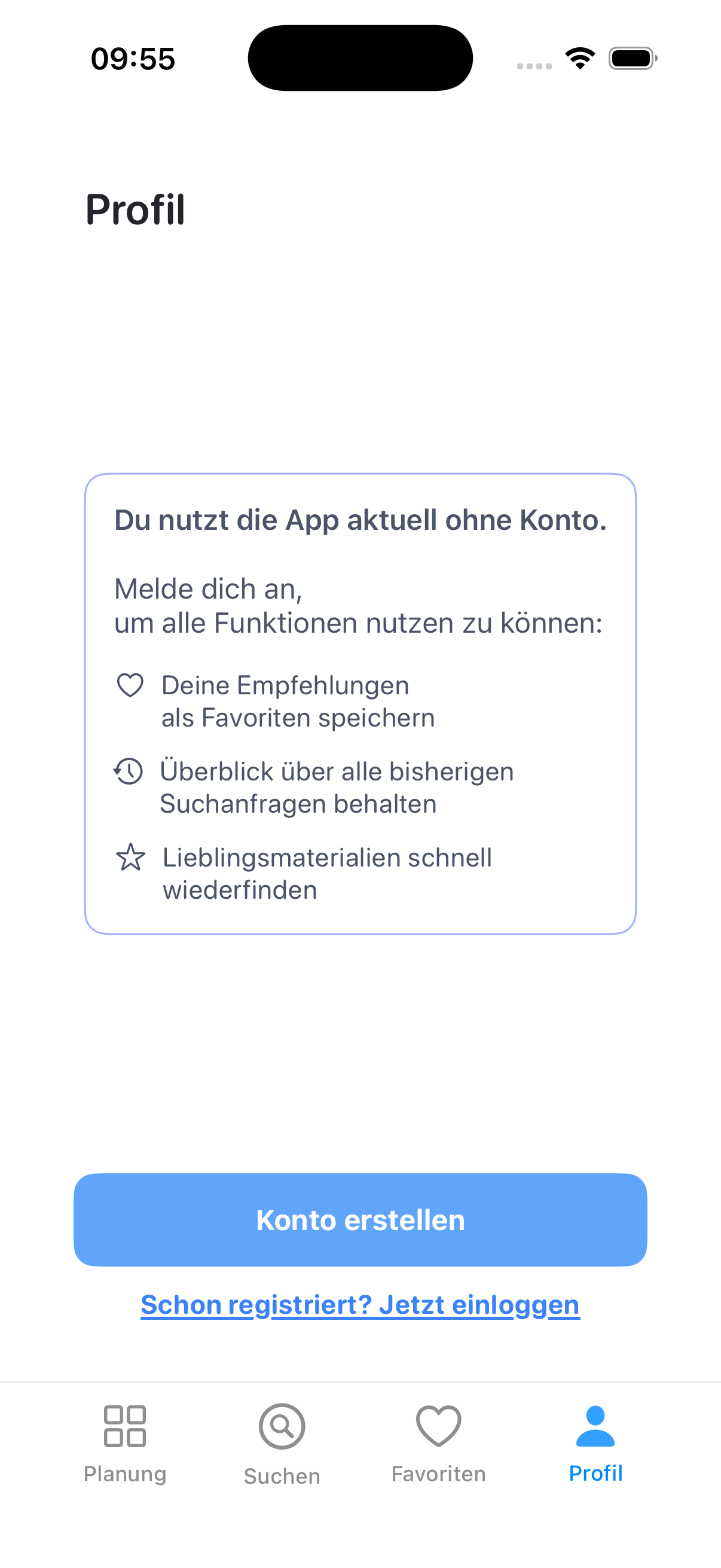
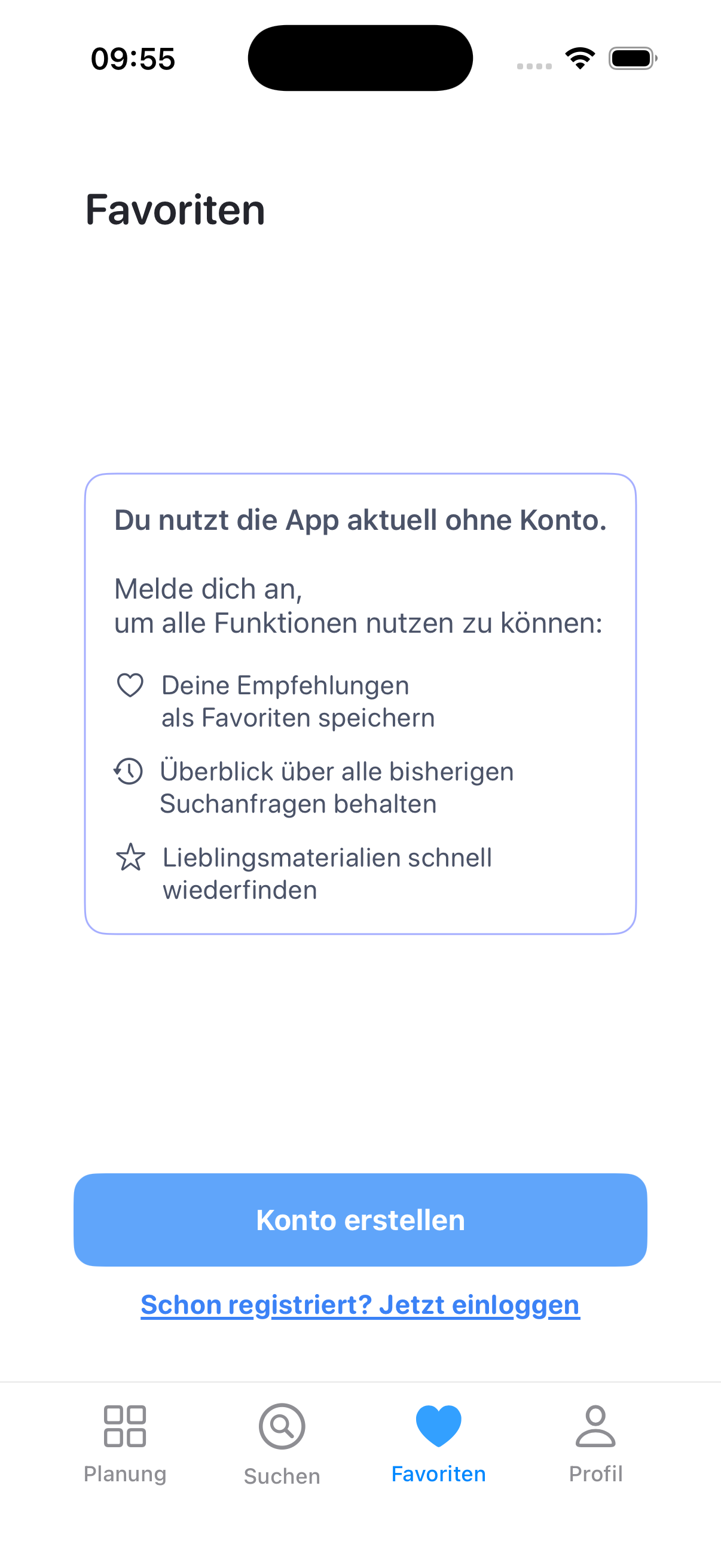
Registration options: Onboarding (left), Profile (middle), and Favorites (right)
- Enter your name and email address.
- You will receive an email containing a preset password.
- Use this password to log in for the first time. You can later change it in your Profile settings.
💡 Tip: Make sure to check your spam folder if you don’t see the registration email within a few minutes.
Login
You can log in using either of the following methods:
- Email and Password: Enter your registered email address and password.
- Email and Code: Enter your email address to receive a 6-digit verification code by email, then use it to log in temporarily without a password.
🔄 You can switch between both login methods at any time.
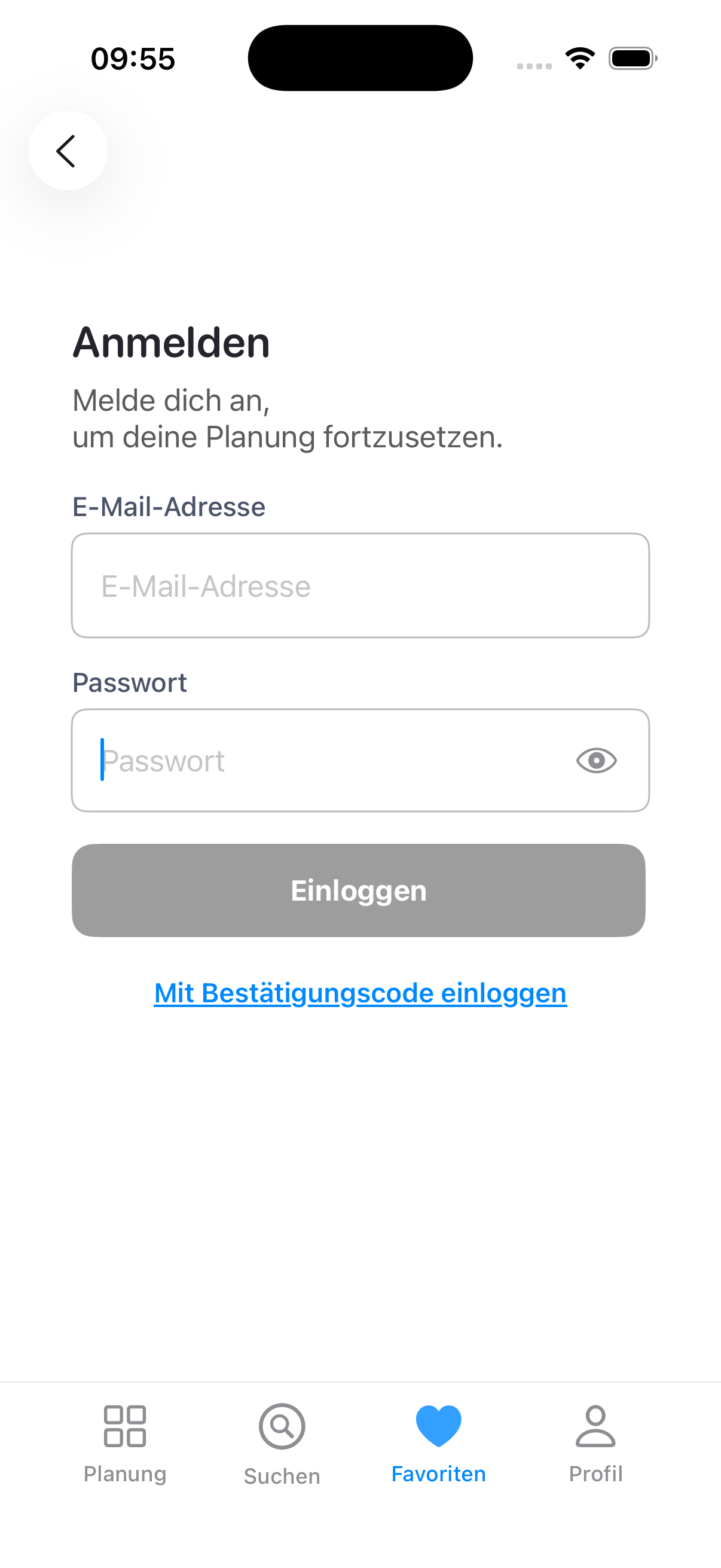
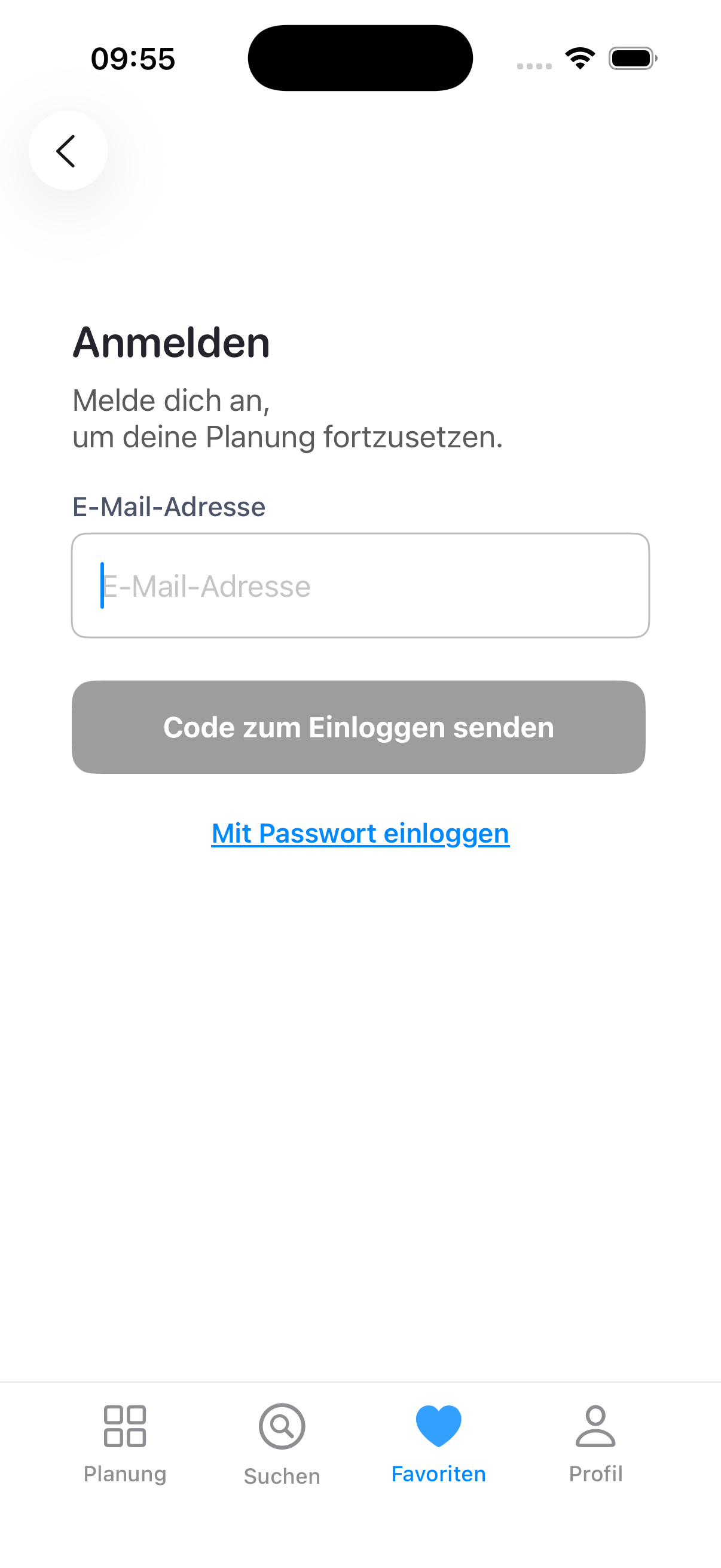
Login options: Email & Password (left) and Email & Code (right)
Profile Setting
You can access your profile from the navigation bar to manage your personal information and account preferences.
Available Actions
- Edit Profile Information: Update your name and email address.
- Change Password: Set a new password for your account.
- Log Out: Safely sign out of your current session.
- Delete Account: Permanently remove your account and all associated data from the system.
⚠️ Deleting your account cannot be undone. All saved favorites and history will be lost.