Lectures
Overview
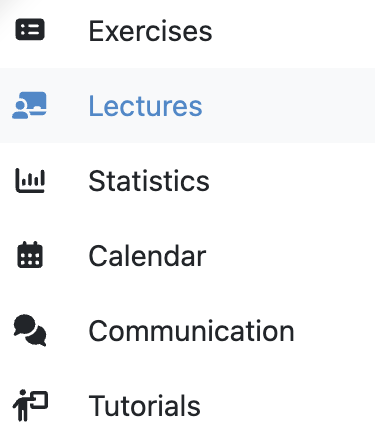
You can find published lectures of a course by clicking on the tab labeled Lectures.
Lecture Organization and Navigation
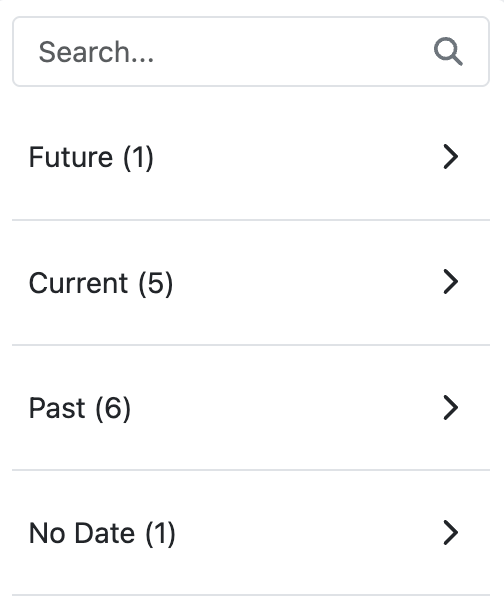
The lecture overview provides an organized view of all course lectures. The sidebar displays lectures categorized by time periods to help navigate course content efficiently:
- Future: Upcoming lectures that haven't started yet
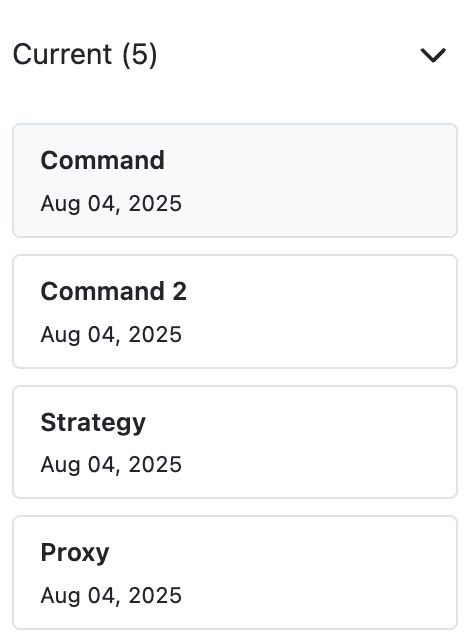
- Current: Lectures active in the current week
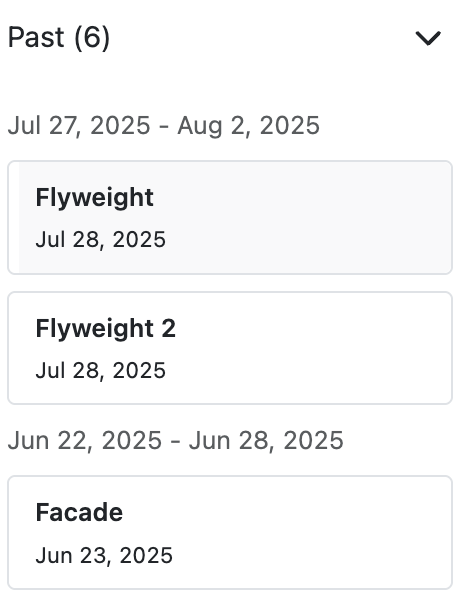
- Past: Lectures whose end date has passed
- No Date: Lectures without specific dates assigned
When a section (e.g., No date) contains more than 5 lectures, Artemis may create weekly subsections to improve navigation, though the exact grouping depends on lecture dates and distribution across weeks.
Lecture Details
Clicking on a lecture leads to the lecture details page, where you can see the title, description, lecture units, and attachments.
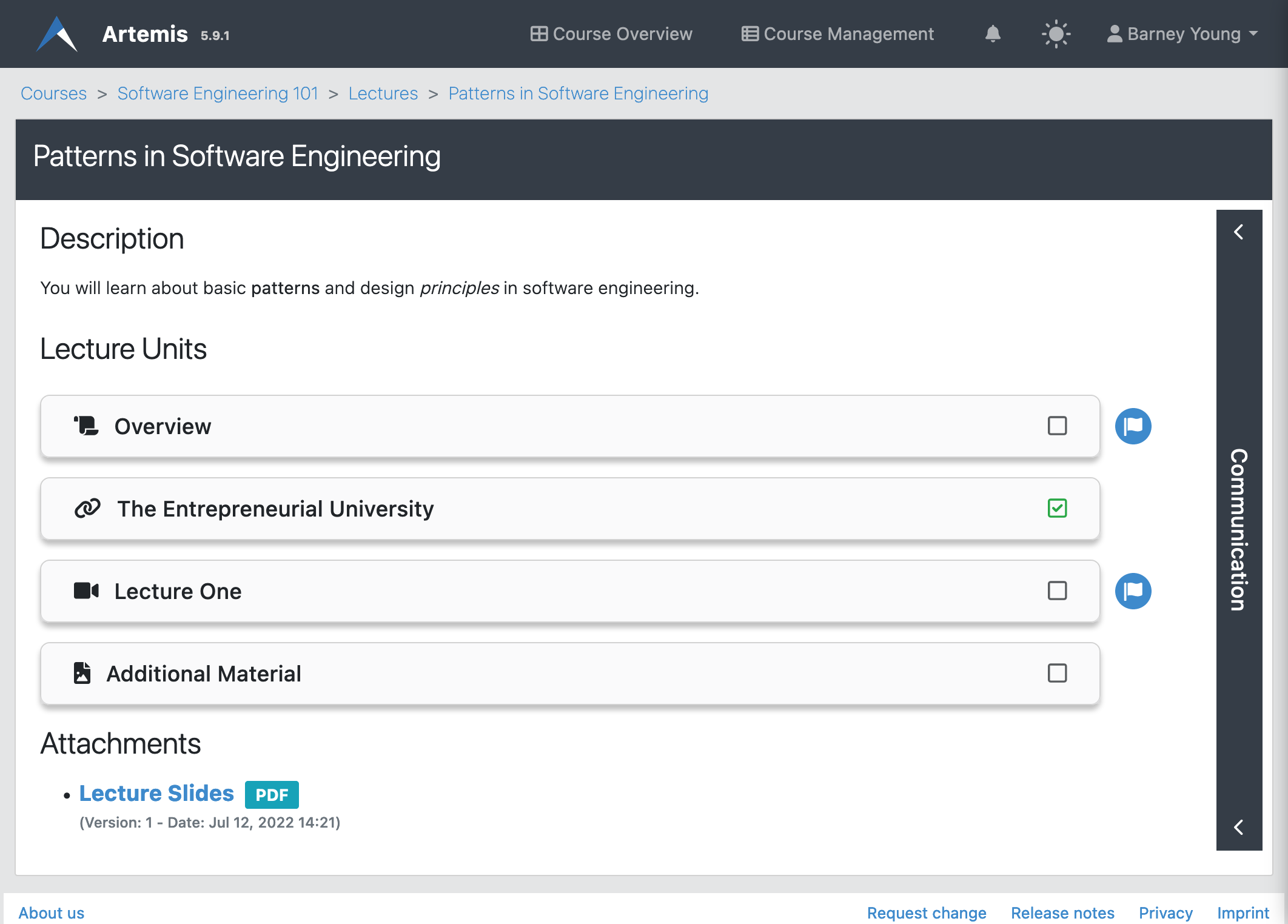
Lecture Units
Students see all released lecture units on the lecture details page. Clicking on a unit opens its contents. Artemis shows a flag icon with a popover next to the unit if it is associated with a learning goal.
Students complete lecture units automatically (e.g., when they are opened) or manually by clicking the checkbox.
Unit Types
Lectures can be divided into lecture units, which can be of the following types:
- Text unit: A text with markup.
- Exercise unit: An exercise from the same course.
- Attachment Video unit: A file that the student may download and an embedded video stream or video from an external source. Students complete this unit when they watch the video for at least five minutes and download the attachment.
- Online unit: A link to an external website. Students complete this unit once they navigate to the external website.
Competencies
Instructors can create competencies, which are desired learning objectives, and link lecture units to them. See the Adaptive Learning documentation for more information.