Calendar
Artemis features a calendar that allows users to quickly view all important events related to a specific course.
General Information
The Artemis calendar can be found in the Calendar tab of the course overview. It displays important events related to lectures, tutorials, exercises, and exams.
The following table shows the dates that are displayed as calendar events, if available. Note that an event can either represent a specific point in time (in which case it only has a start date) or a time period (in which case it has both a start and an end date).
| Artemis Concept | Dates |
|---|---|
| Lecture | start, end |
| Tutorial | start, end |
| Exercise | release, start, due, assessment due |
| Exam | start, end, results release, student review start, student review end |
Switching between Presentations
To view events in the calendar, users can switch between a high-level overview and a more detailed presentation. The available views differ between small and large devices to optimize the calendar layout for each screen size.
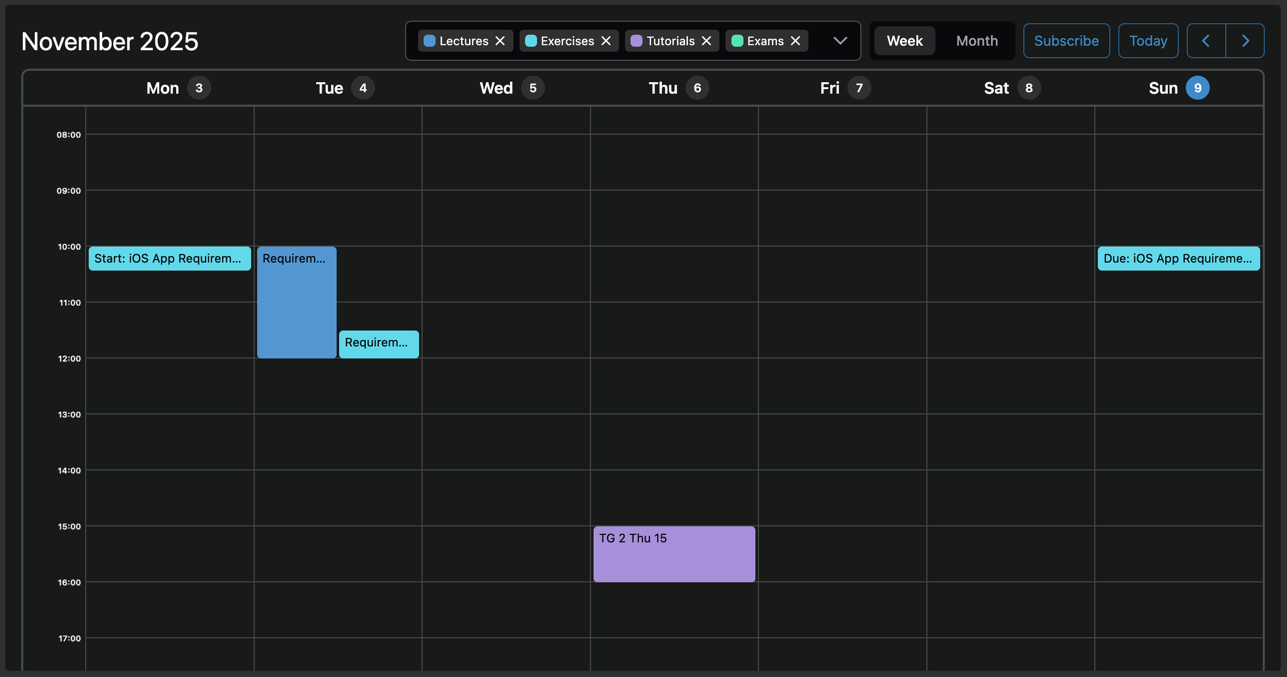
On larger devices, such as laptops and desktop computers, the calendar offers a high-level month presentation and a more detailed week presentation.
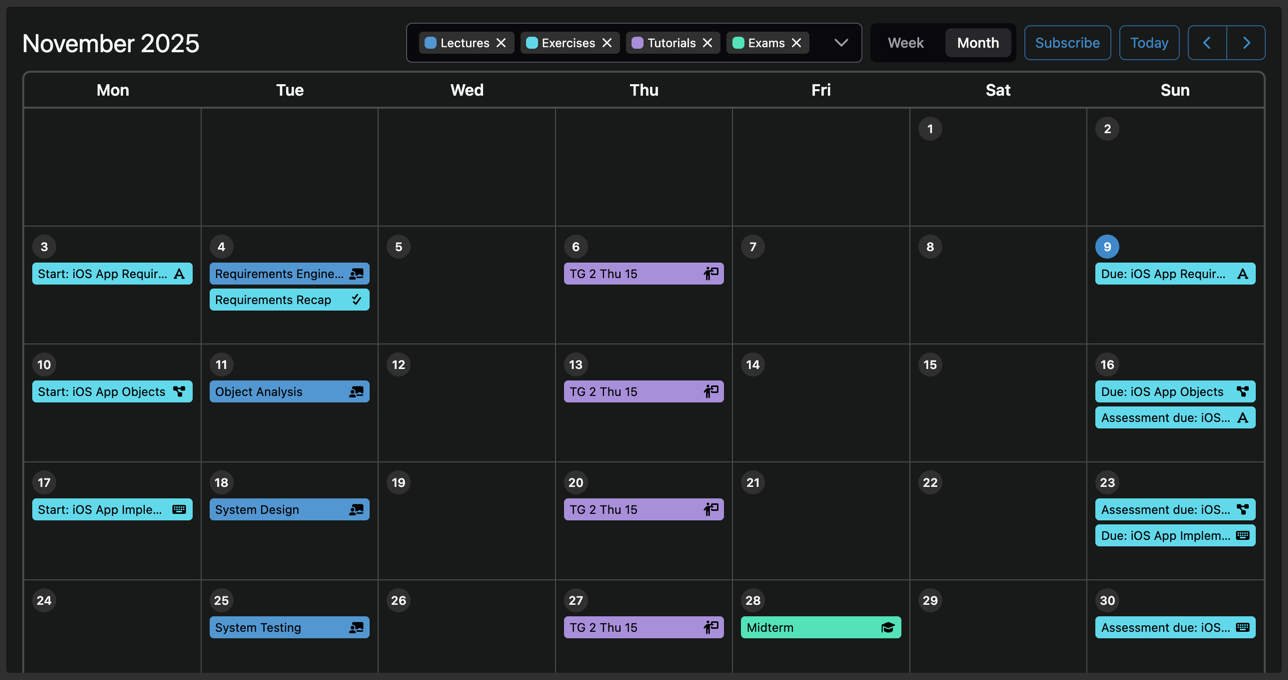
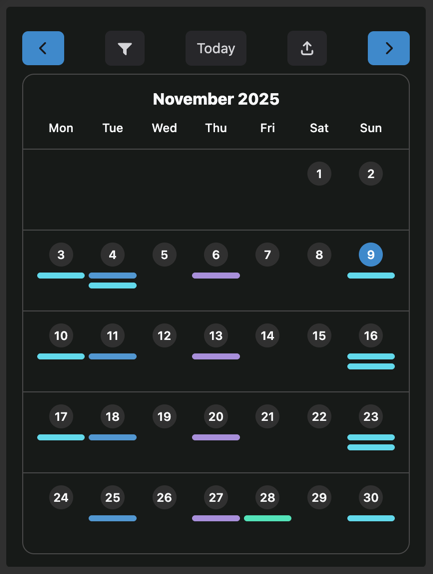
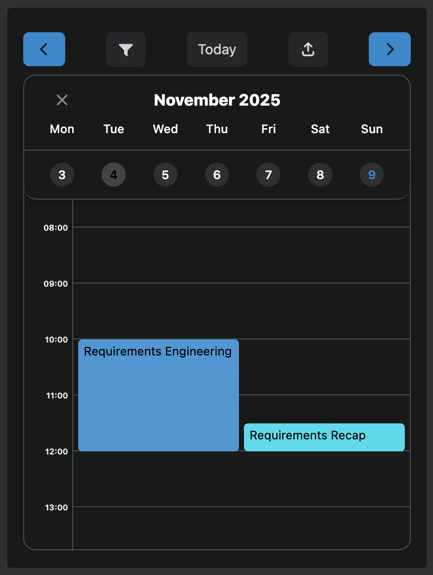
On small devices, such as mobile phones, there is a high-level month presentation and a detailed day presentation.
Viewing Event Details
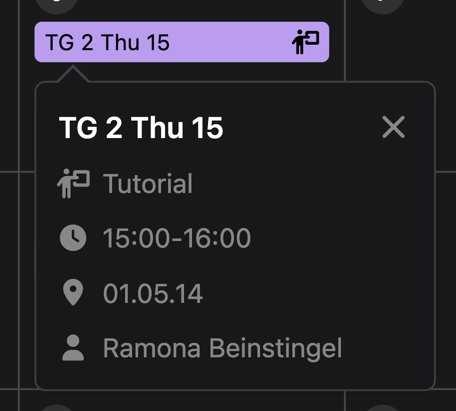
In the desktop month and week presentations, as well as in the mobile day presentation, users can click on an event to view its details.
Filtering Events
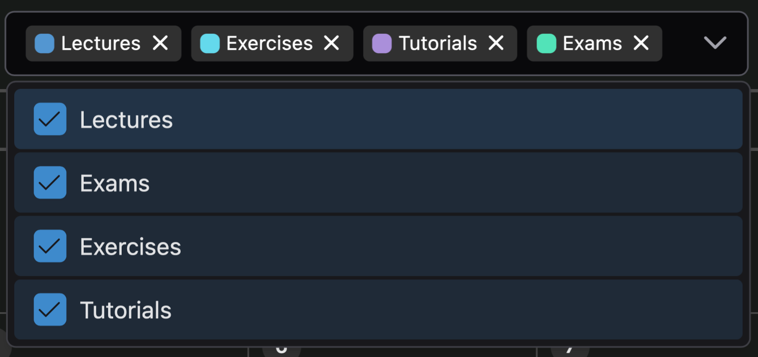
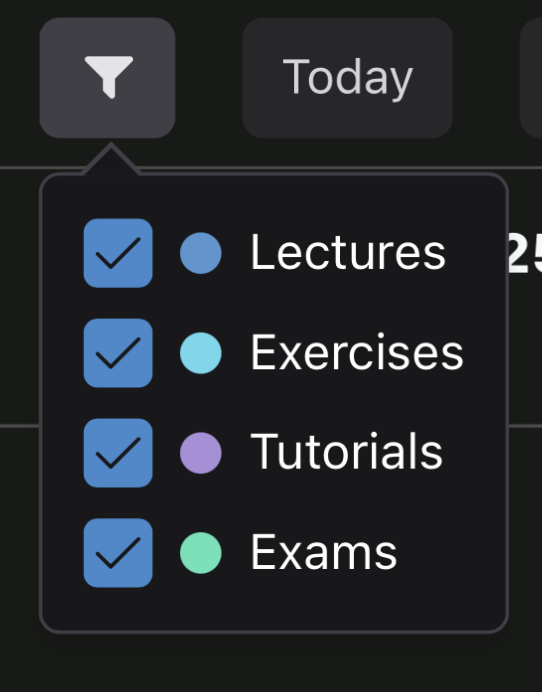
By using the filter component of the calendar, users can include or exclude events based on their type.
Subscribing External Calendars
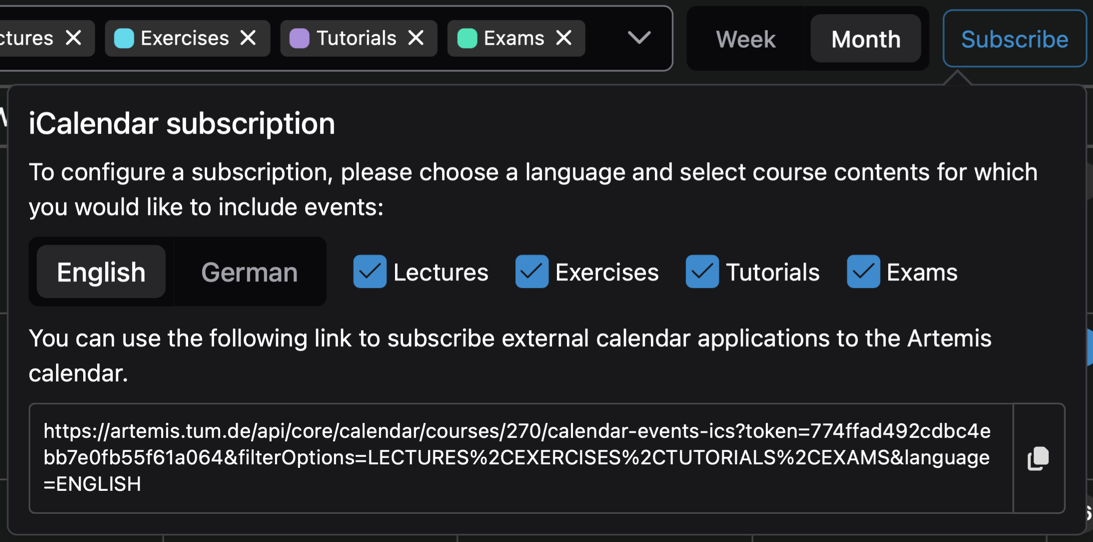
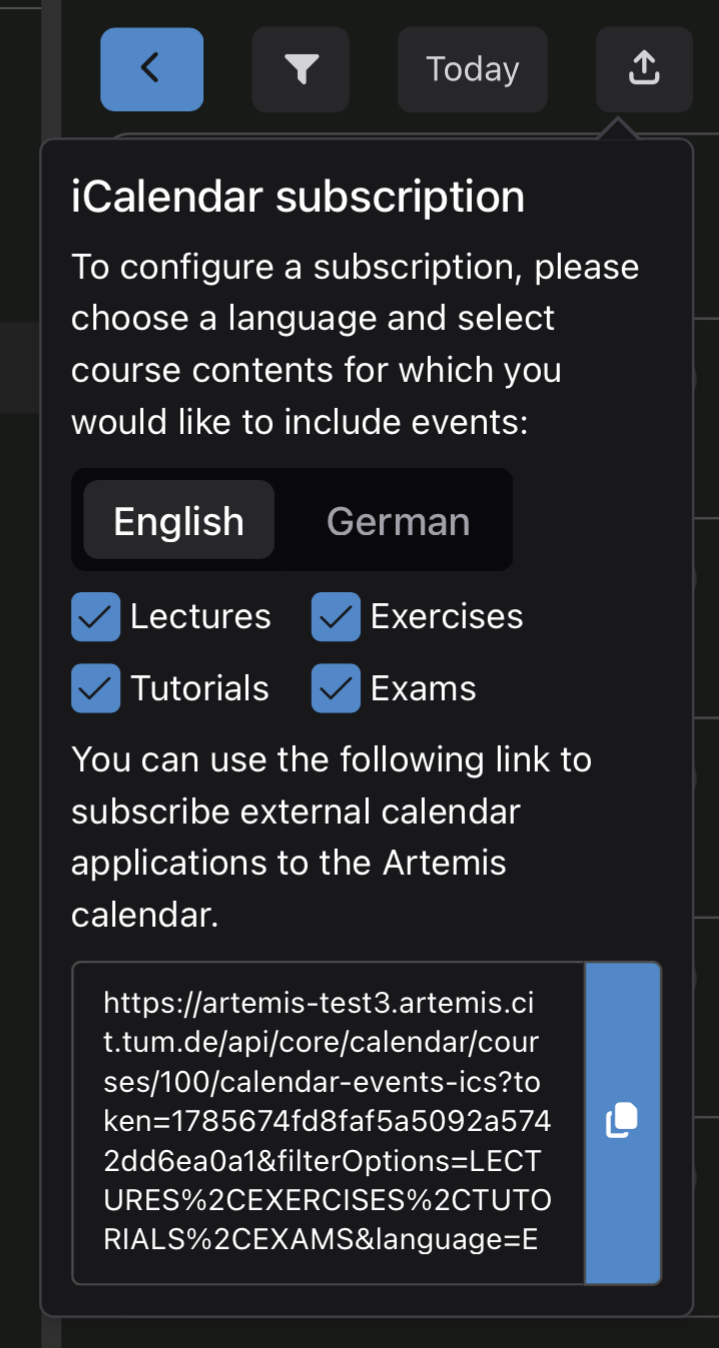
Users can subscribe external calendar applications to the Artemis calendar by clicking the Subscribe button, selecting a language, choosing which event types to include, and copying the generated link. This link can then be pasted into the settings of third-party calendar applications (e.g., Apple Calendar, Google Calendar, etc.) to subscribe them to the Artemis calendar.