Lecture Series
Lecture Series allow you to create multiple lectures without specifying their contents. You can use this to scaffold your lectures at the beginning of the semester and inform students when each lecture will take place.
To open the Lecture Series creation page, navigate to the Lectures tab in the course management section, click  and select Lecture Series in
  .
.
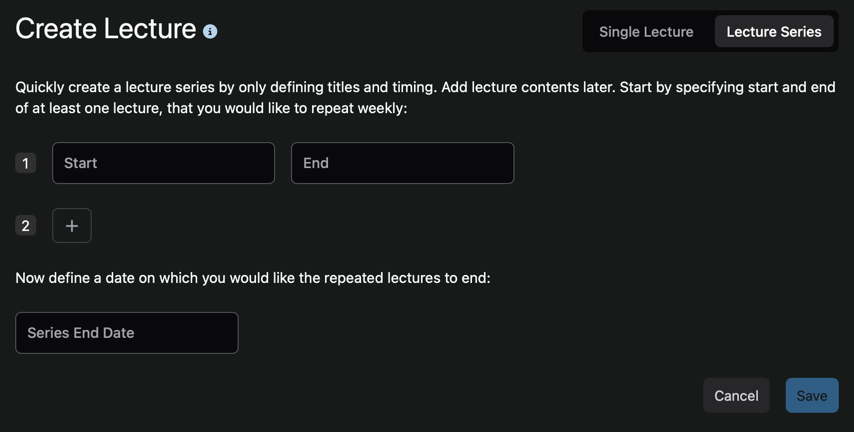
To create a Lecture Series, you must first define the initial lectures. The system will repeat these initial lectures weekly until the specified end date.
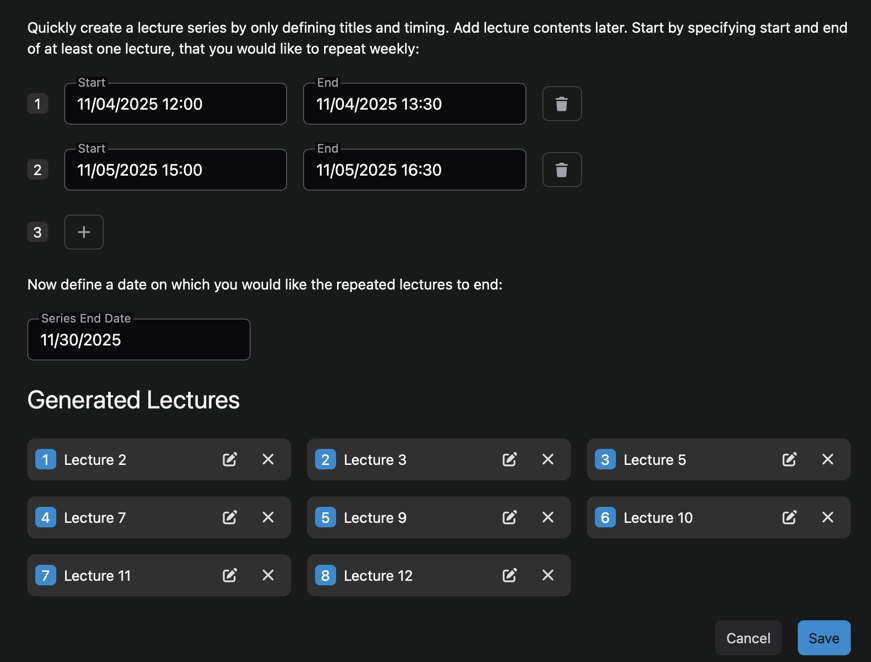
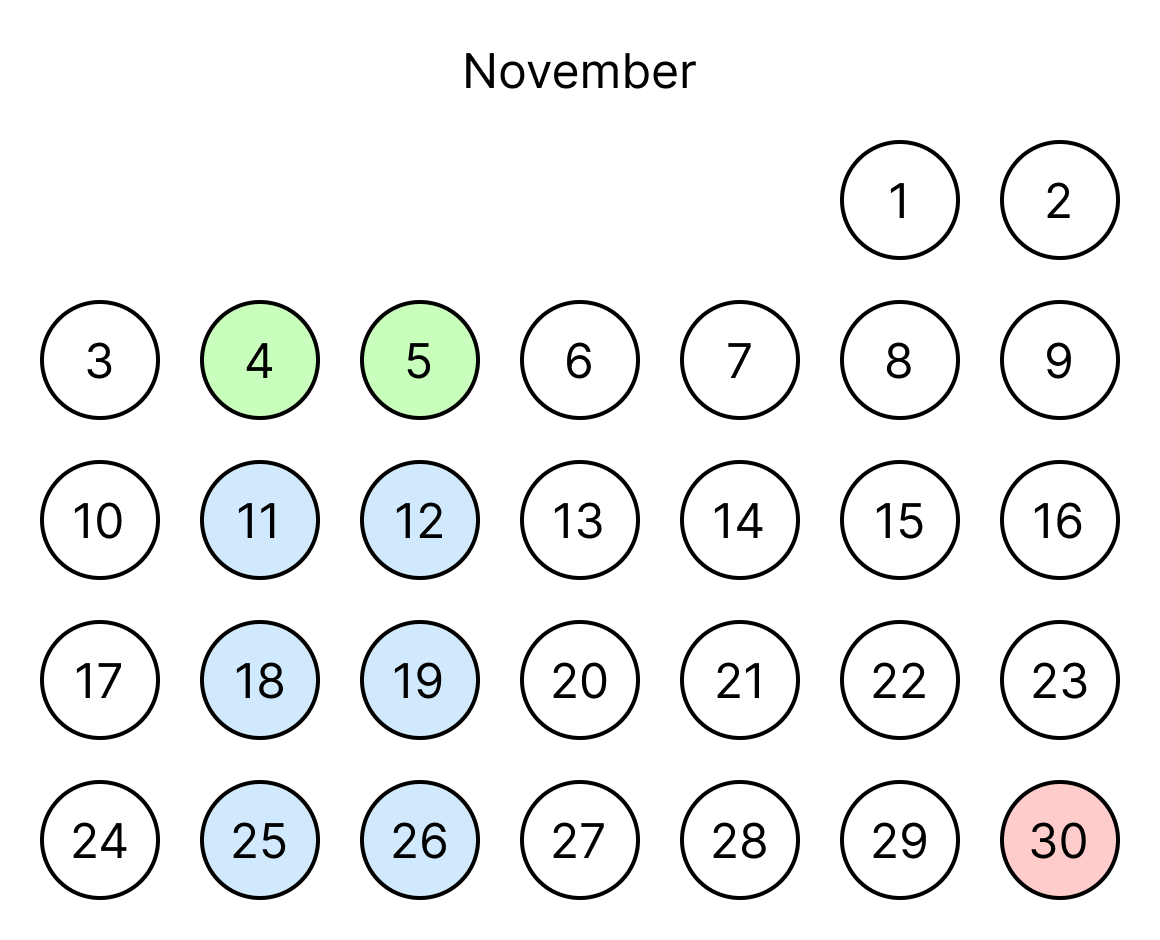
The following example, shows how lectures are generated based on the dates of two initial lectures and an end date.
As soon as all required inputs are valid, the system generates the lectures and displays them as cards.
Each lecture can be removed individually by clicking  .
Additionally, the title and timing of each lecture can be adjusted by clicking
.
Additionally, the title and timing of each lecture can be adjusted by clicking