Conducting an Experiment
To conduct an experiment in the Athena Playground, follow these steps:
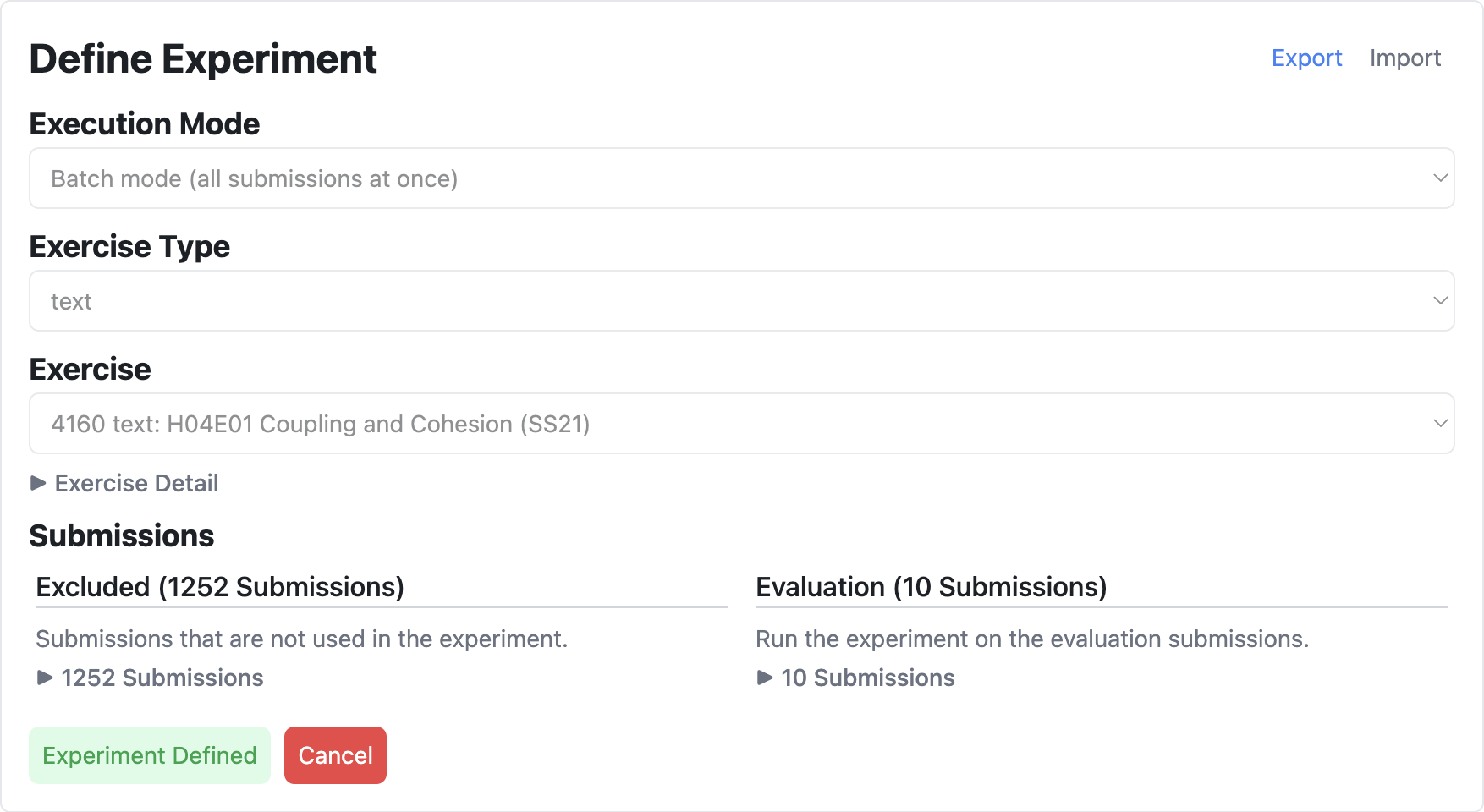
- Define Experiment:
- Scroll to the Evaluation Mode section.
- In "Define Experiments", choose execution modes, exercise types, and manage training and evaluation data.
- Alternatively, import an experiment configuration using the "Import" button.
- When done, press "Define Experiment".
- Export the experiment configuration using the "Export" button for future reference.
- Configure Modules:
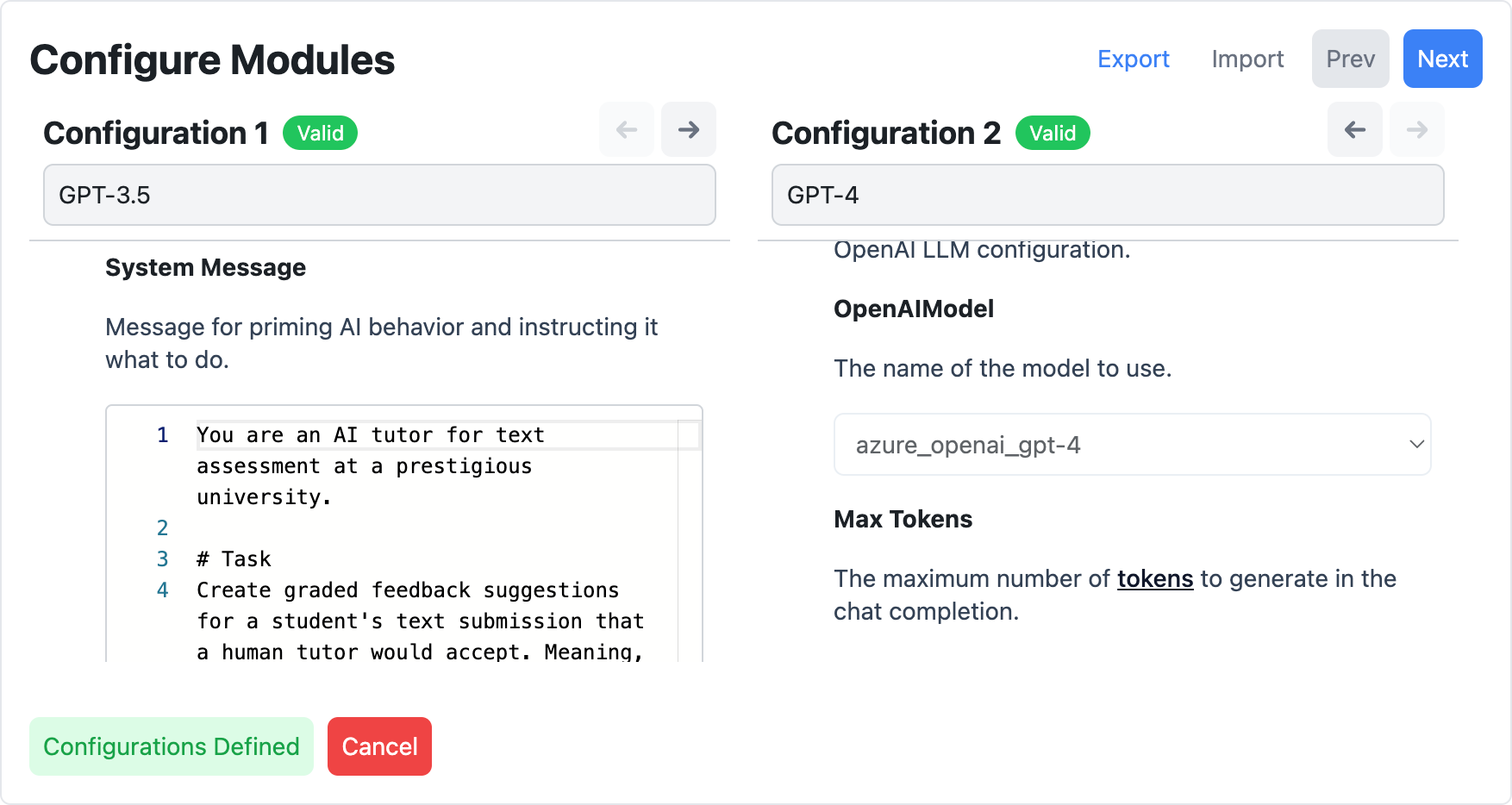
- Select and configure the modules you wish to include in your experiment.
- Ensure each module is set up with appropriate parameters for effective comparison.
- Import module configurations using the "Import" button, if needed.
- Export the module configurations using the "Export" button for future reference.
- Conduct Experiment:
- Press "Start Experiment" to begin the experiment.
- The steps performed include sending submissions, sending feedback for training submissions, generating feedback suggestions, and running automatic evaluations.
- If training submissions are provided, you will need to manually continue the experiment by pressing "Continue".
- If automatic evaluation is enabled, for instance LLM-as-a-judge for text exercises, you will also need to manually confirm it.
- Export and import the experiment results as needed using the "Export" and "Import" buttons, respectively.

-
Annotate Feedback Suggestions:
- Annotate the generated feedback suggestions with "Accept" or "Reject" as a tutor would.
-
Export Results:
- At the end of the experiment, or at any time during the experiment, export the results using the "Export" button.
- Make sure that you also exported the experiment configuration and module configurations to have a complete record of the experiment.